

‘Work Smart’
You have likely come across these two words before. The internet is awash with advice on how to be more productive and efficient, yet technology does not lend itself to a one-size-fits-all solution.
Then there are the productivity apps. Some will handle your routine chores so you can put your mind to the tasks at hand; others see to it that an otherwise overflowing email inbox is in order. Put the right tools in your hands and streamlining your workflow is a good deal simpler.
But consider this: what do you want from your productivity goals? It is easy to measure input against output, but how do you put your own definition on it? For some, greater productivity means putting in less time for more results, or perhaps it is the path to higher revenue or a well-deserved promotion. In the end, it is about being smart with your time to see your objectives through in a meaningful way.
It is also a matter of focus and avoiding distraction. If your line of work puts you in the company of software engineers, data analysts, game developers or designers, you know the drill. You are answering emails, making notes, running R&D, using Microsoft Office and attending to your calendar and to-do lists. Chances are you are juggling several applications at once to keep your projects on track. And yet technology has its ways of letting us down. A compromise here or there can result in downtime, lost progress and the occasional bout of IT anxiety.
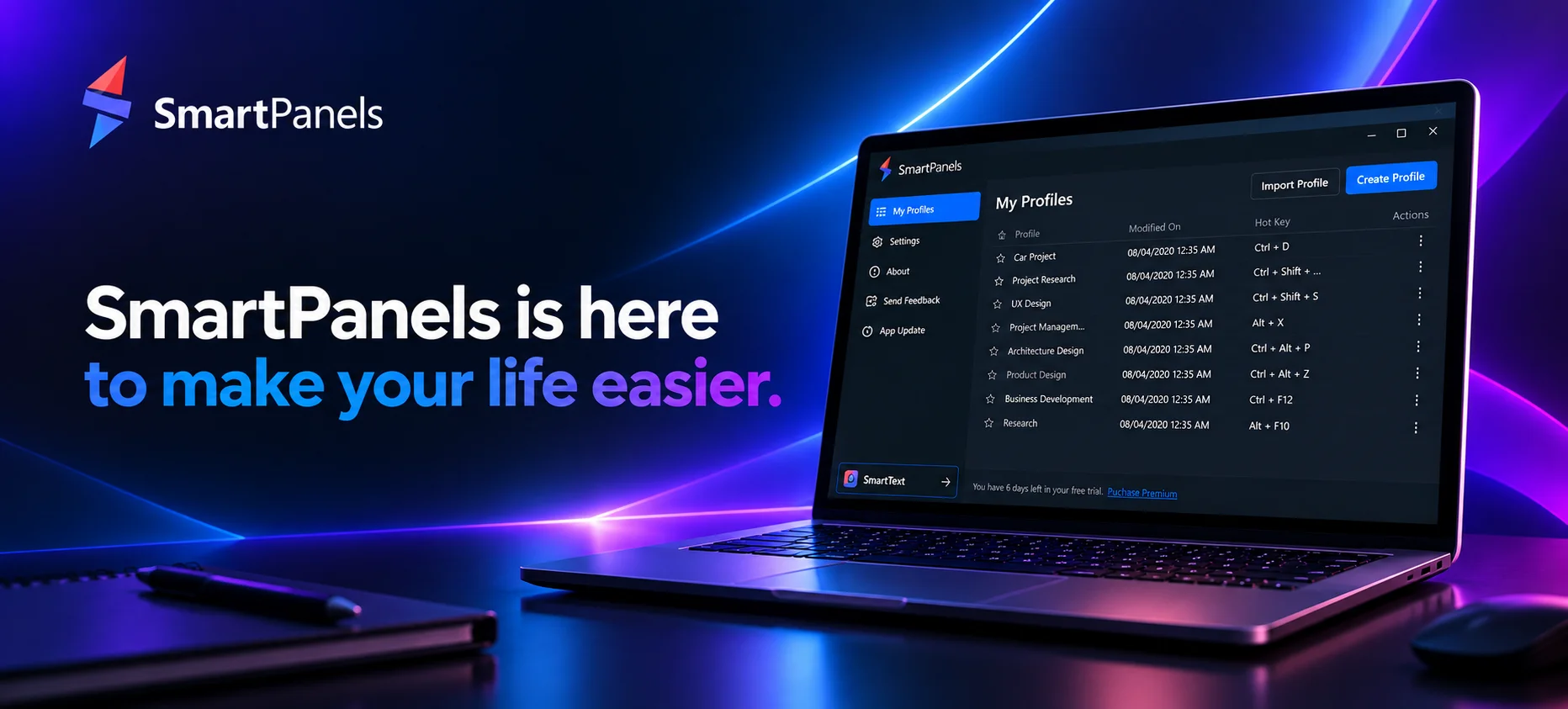
We at FiveRivers Technologies have taken that into account. We have custom-engineered SmartPanels for Microsoft Windows as an application that redefines the notion of smart work. We know that a 9-5 schedule is no guarantee of productivity when you are having to start your workspace over from the ground up. SmartPanels is meant to make both your professional and personal business a little easier to handle. Let's explore its features and benefits for a more in-depth understanding:
Effortless Desktop Organization
One can multi-task in this digital age, of course, but it is easier to talk about than put into practice. You are hardly alone if you have ever looked at a checklist and felt daunted by the fact you are not on schedule. When there is as much happening as there is, you need to be able to track your projects and have an orderly screen.
Consider for a moment that you have several displays running with all manner of open applications and browsers. Then your machine reboots, be it due to a crash or an update or simply the close of business. All of a sudden you are faced with the prospect of having to manually put every tab and app back where they were. Before you have done any real work in the morning, you may have spent the first twenty minutes on that alone.
That is what SmartPanels is for. A single click will save your entire arrangement – window positions, tabs, the works – and let you restore it in seconds, even on multiple monitors. There is no need to waste time sifting through browser history or moving windows around; the program will have you right back where you were.
Restore Preset Display Arrangements
There is an expectation of real business value when one undertakes several projects, as well as a need to see productivity maximized in the short and long term. It is natural to move from one task or project to the next in order to put in as much output as can be had. Yet at times that kind of context switching works against you.
With SmartPanels, preset display arrangements are at your disposal, Windows ‘Snap Layouts’ included. You can put together a setup for deep-focus coding, one for research, another for your meetings, and so on. Then you are able to switch back to any of them and get right to work without losing your place.
Smart Multi-Browser Management
A typical workday will have you in more than one browser. With SmartPanels, tabs are carried over from Google Chrome to Mozilla Firefox or Microsoft Edge as the case may be. There is no need to worry about the dozen or so tabs open for a given project when it is time to make a switch. The application sees to it that each window comes back up with precisely what was there before and in the same spot you left it.
Multi-Monitor Productivity
SmartPanels will handle up to six displays for you, on-premise or remote, and it keeps track of where every application is supposed to be. There is no need to put in the effort of juggling another multi-monitor program when SmartPanels can restore your entire layout at the click of a mouse.
Custom Hotkeys
Then there are the profiles. With custom Windows hotkeys one can be saved and brought up in an instant. It is the difference between having to root around in menus and making a seamless transition from your “meeting” to your “deep work” environment with nothing more than a keystroke.
Seamless Profile Sharing
Working with a team? SmartPanels lets you share your workspace profile via email in just a few clicks - useful for onboarding a new team member onto the same setup, handing off a project, or standardizing how a whole team's screens are organized.
Conclusion
For those with a firm grasp on time management and organization, there is no better productivity app to have running on a Microsoft Windows machine than SmartPanels. It is the right tool for the job if one is pressed for time or simply wishes to put in a good use of the hours at hand. With its suite of capabilities including profile sharing, multi-browser and multi-monitor support, as well as workspace restoration, SmartPanels leaves no room for doubt as to where things stand.
Feel free to download SmartPanels and provide us your feedback or in case of any issue feel free to contact us at [email protected]
